
Follow the "Forgotten Password" route from the login page. The "forgotten password" option is shown in orange:
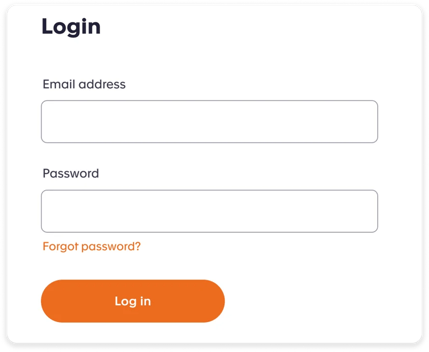
When you click the 'Forgot password' link you will be shown an option to reset your password. Enter your password and click the orange 'Reset your password' button.
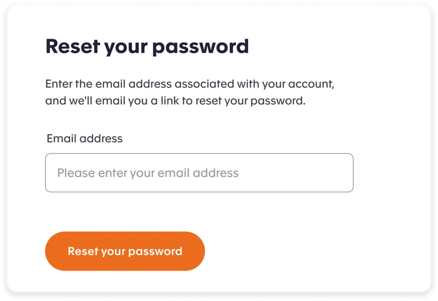
You will then receive a reset email to enable you to create a new password.
If you do not receive the reset email, check your junk or spam folder as it may have been redirected there.
If it is not in your junk or spam folder, please contact us by email at support@accommodationforstudents.com.