
If you would like to view a property you have seen advertised on Accommodation for Students, follow these key steps.
First select the property you are interested in viewing.
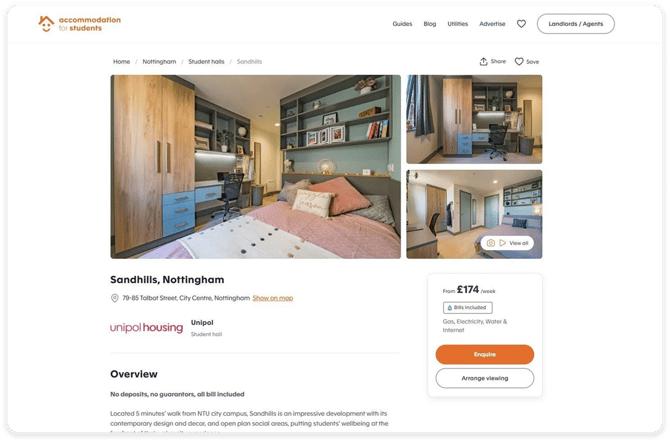
Then select the 'Arrange a viewing' button or the 'Enquire button'. When this opens up you can then add your details.

Enter your details and select the 'submit viewing request' or 'send enquiry' button.
This will send the request directly to the property manager who will then get back in contact with you to arrange the viewing. You will receive an email confirmation of your enquiry.
If the property manager does not get back in contact with you please contact support@accommodationforstudents.com